FreeIPA self-service password reset portal
FreeIPA has no "forgot password" flow of its own. mokey adds one: a user enters their username, gets a single-use link by email, and sets a new FreeIPA password that works at once, with no forced change at next login.
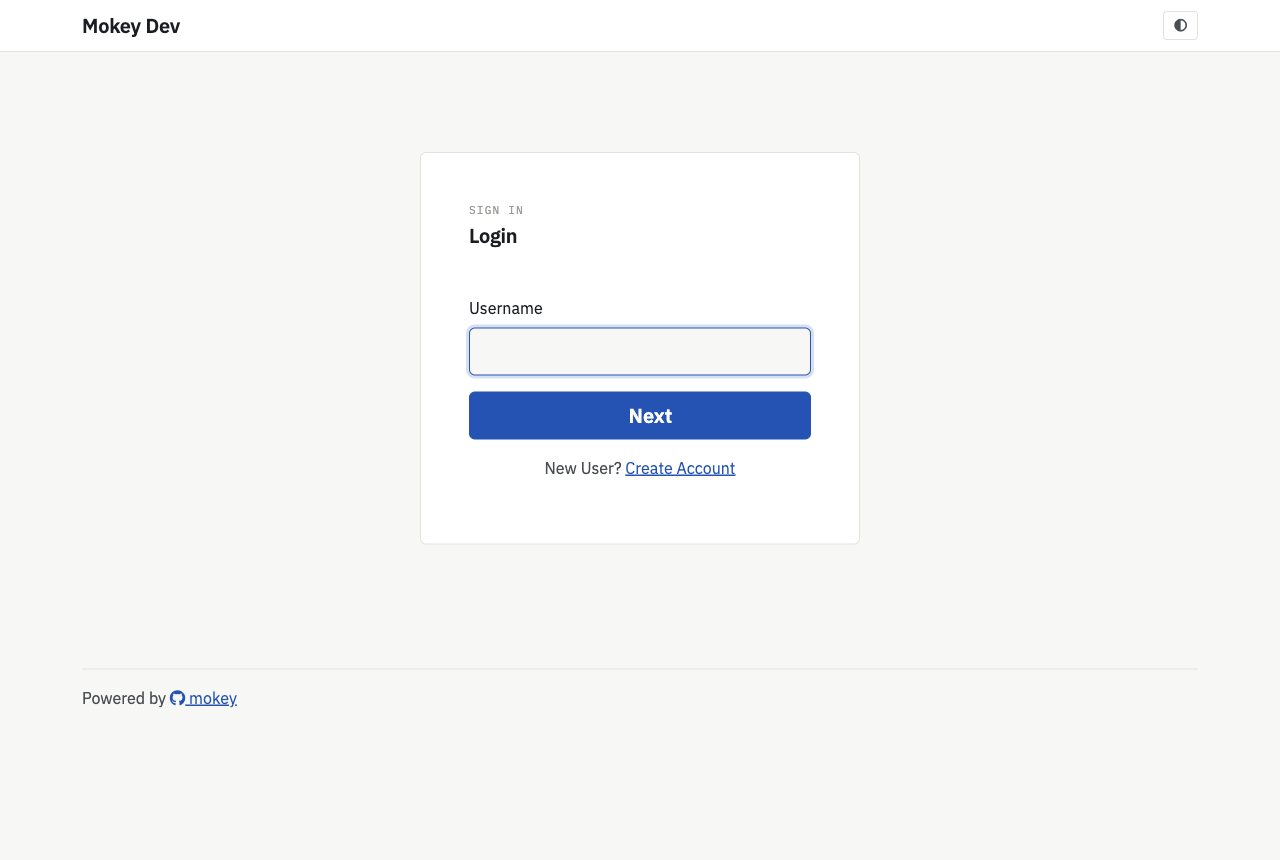
What the user gets
- Forgot password on the login page (
/auth/forgotpw): username and a CAPTCHA. The page always says the same thing, whether or not the account exists, so it cannot be used to find usernames. - An email with a reset link. If
[slack]is configured, the same link also arrives as a Slack direct message to the user matched by email address. - A reset page that lists the FreeIPA password policy that applies to them. Users with two-factor authentication also enter a current OTP code.
- After the reset, every mokey session of that user is signed out.
- Forgot username (
/auth/forgotuser): emails the usernames registered to an address, again with the same answer for unknown addresses. - Signed-in users change their password on the Password tab, with a "password expires in N days" banner when expiry is near. A user whose password has expired is asked to change it at login.
What the admin configures
Nothing has to be enabled; the flow is on whenever mokey runs. The options that shape it:
| Option | Default | Effect |
|---|---|---|
email.token_max_age |
3600 |
Lifetime of a reset link, in seconds. A link works once. |
email.token_secret |
auto | Signs the links. Set it, or links die on restart. |
email.resend_cooldown |
180 |
Seconds before the same user can be sent another reset email. |
email.base_url |
request host | Host used in the link. Set it behind a proxy. |
email.notify_password_change |
false |
Email the user after a change or reset. |
email.password_expiry_reminders |
empty | Days before expiry to send reminder emails, e.g. [14, 7, 3, 1]. |
accounts.enable_captcha |
true |
CAPTCHA on the forgot-password form. |
accounts.min_passwd_len, accounts.min_passwd_classes |
8, 2 |
Floors; the stricter of these and the FreeIPA policy wins. |
accounts.check_breached_passwords |
false |
Refuse passwords found in Have I Been Pwned (k-anonymity range API). |
accounts.password_expiry_warning_days |
14 |
When the expiry banner appears. |
accounts.block_users |
— | Usernames that can never log in or get a reset email. |
server.rate_limit_max, server.rate_limit_expiration |
10, 3600 |
Failed requests allowed per client per window. |
Admins with the admin panel enabled can also send a reset email to any user from the user list.
FreeIPA prerequisites
- The service account role from Install: the User Administrators privilege resets the password, Password Policy Readers lets mokey show and check the policy.
- Every user who should be able to reset needs an email address in FreeIPA.
- Outbound SMTP from mokey.
mokey sets the new password in two steps: an administrative reset to a random value, then a change from that value to the user's choice through FreeIPA's own password-change endpoint. Because the last change is the user's own, FreeIPA does not mark the password as expired.
Limits
- Email is the only channel (plus Slack, if configured). There are no security questions and no SMS.
- A reset link proves control of the mailbox, nothing more. Anyone who can read a user's email can take over that FreeIPA account. Two-factor users still need their OTP code.
- Users who sign in through an external identity provider, RADIUS, or with
a smart card or passkey only have no FreeIPA password to reset. They get an
email explaining where their password is managed instead of a link.
Trusted Active Directory usernames (
user@ad.example.com,AD\user) are told to change their password in Active Directory. See Users without a FreeIPA password. - Locked or disabled accounts get no link, and the page does not say so.
- FreeIPA's dictionary check (
dictcheck) only runs inside FreeIPA, so mokey cannot show it in advance; a password it rejects is reported after submit.